Rethinking the touchpad as a spatial controller for document navigation
This project was developed as part of an Interaction Design Methods course, guided by Prof. Anirudha Joshi, IDC, IIT Bombay.
We built a proof of concept that maps document navigation to absolute positions on the touchpad, allowing users to read, scroll, and manage bookmarks without a cursor.
Akshay R Nair
Srishti Rachna

The Bottleneck: High-Resolution Hardware Trapped in a Pointer Paradigm
Modern laptop touchpads are sophisticated spatial sensors, capable of capturing precise coordinates, pressure, multiple simultaneous contacts, and continuous finger movement.
Yet most operating systems reduce this rich input to little more than relative cursor movement and a fixed set of multi-finger gestures. Much of the touchpad’s spatial resolution is never exposed as an interaction medium.
We wanted to explore what becomes possible when the touchpad is treated not as a proxy for a mouse, but as a physical space in itself. Instead of asking users to memorize arbitrary gesture combinations, we looked at
Mapping Trapped Coordinates to an Absolute 2D Plane
We began by exploring the spatial information already available through the touchpad hardware, rather than treating it only as a surface for cursor control.
Conventional drivers reduce touch input to relative pointer movement, but Linux evdev exposes the raw absolute coordinates of each touch.
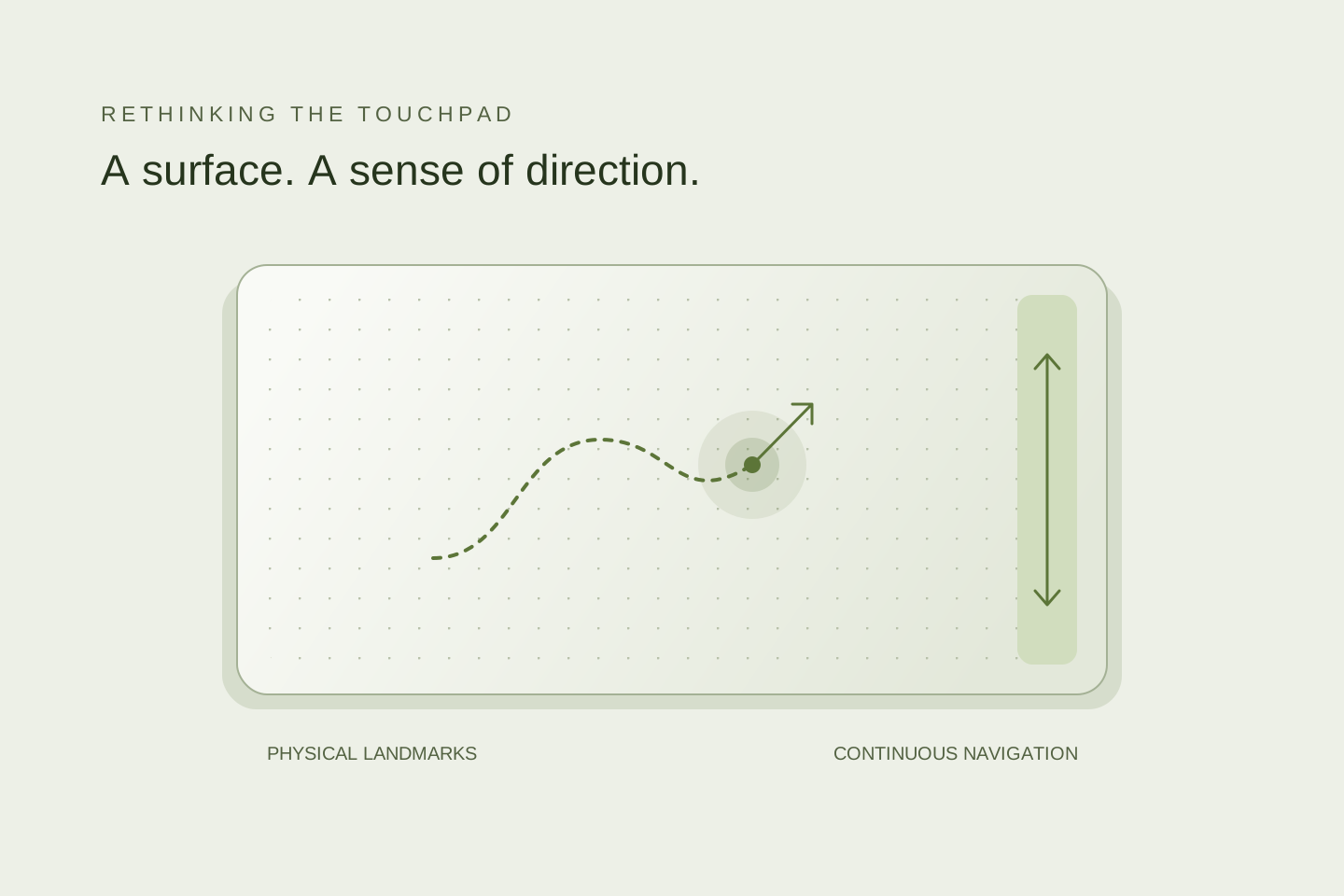
This allowed us to define specific regions of the touchpad as meaningful zones and interpret movement between them as directional vector paths.
By tying interactions to spatial landmarks and movement instead of arbitrary multi-finger shortcuts, the touchpad could behave as a more intuitive and predictable spatial controller.
Building a Decoupled, Zero-Cursor Spatial Engine
To eliminate cursor intervention entirely, we engineered a decoupled, real-time input pipeline:
- Zero-Cursor Document Control: Designated edge zones trigger document actions directly, vertical sweeps on the right boundary scroll continuously, horizontal sweeps on the bottom flip pages, and left-edge triggers toggle peek navigation panels.
- Declarative Gesture Architecture: Spatial thresholds, bounding boxes, and action mappings are isolated in
actions_repo.py, allowing continuous threshold tuning without touching the low-level event loop.
- Decoupled Three-Layer Engine: A Python
evdevservice consumes raw Linux input events, normalizes hardware coordinates, evaluates directional vectors/dwell times, and dispatches simulated system events to drive any web reader natively. - Visual Validation Tool: Built
touch_actions.py—a real-time Pygame coordinate visualizer rendering live contact vectors, active trigger bounding boxes, and dwell states for calibration.
The visualizer allowed us to see the abstract coordinate data as immediate physical feedback. We could watch the contact zone bloom under the finger and see the vector line trace the intended direction. The live visual feedback loop was critical for calibrating gesture parameters and ensuring the system behaved predictably.
Natural Spatial Adoption vs. Boundary Rigidity
We evaluated the system with users performing long-form reading tasks, navigating multi-page documents, and managing bookmarks without a mouse or keyboard.
✔️ Spatial Deduction Over Memorization: Users internalized the touchpad as a physical map within 3 minutes. Participants naturally navigated using surface landmarks (“right edge for scrolling”) rather than trying to memorize arbitrary multi-finger combinations.
✔️ Zero-Cursor Fluidity: Participants completed multi-page document sweeps and bookmark interactions continuously without engaging the cursor or switching hands to the keyboard.
❌ The Hard-Boundary Breakdown: Rigid coordinate bounding boxes proved to be the primary operational failure point. Natural finger placement variance caused false triggers near corners, highlighting the need for probabilistic, fuzzy boundary zones.
The Shift: Moving from Arbitrary OS Gestures to a Semantic Touchpad
Standard OS gestures lack semantic logic; they act like hidden easter eggs. Grounding interactions in absolute physical coordinates transforms a laptop touchpad into a dedicated, tangible controller.
To preserve regular desktop workflows, a simple hardware or hotkey toggle switches the trackpad seamlessly between standard cursor mode and dedicated Reading Mode.